 Neut
Neut
Monitored states, not nationwide by default
State research and state tracking use the legislatures your account selects in Research Settings, up to your plan's monitored-state limit.
Legislative tracking
Neut helps policy researchers, public-affairs teams, and association staff research legislative activity, retain the bills and people that matter, and continue the work over time—in Congress and the state legislatures your account monitors.
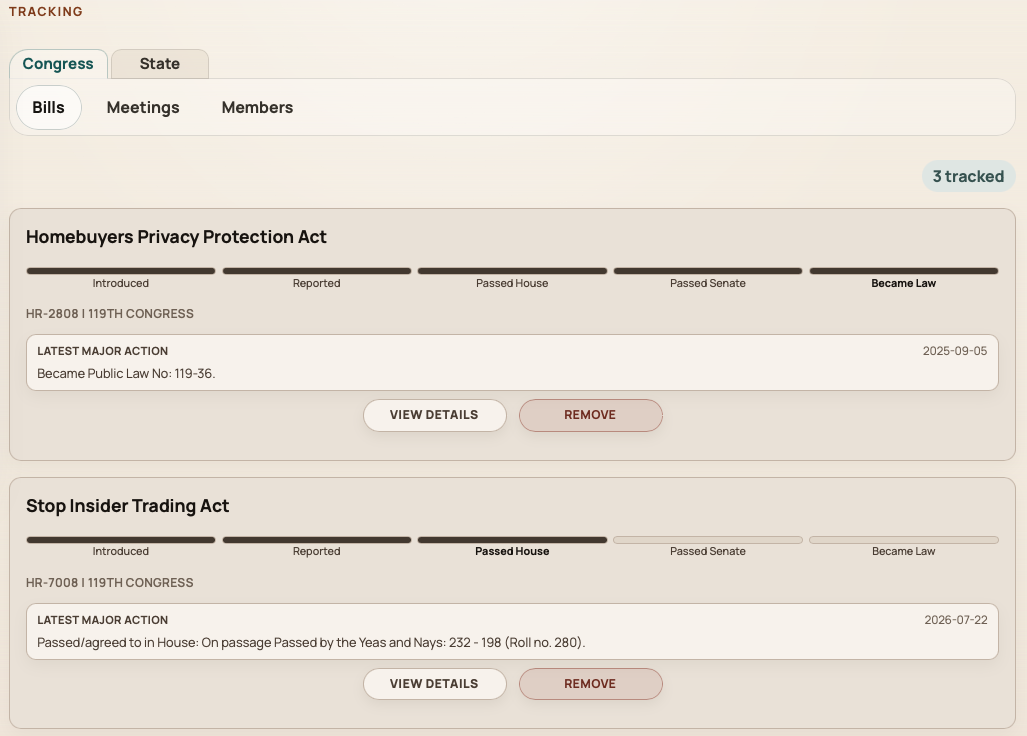
Connected workflow
Whether you follow one bill or a recurring issue area, the same stages apply: understand what is moving, preserve context for colleagues, define scope, then use supported tools when you need to share the work.
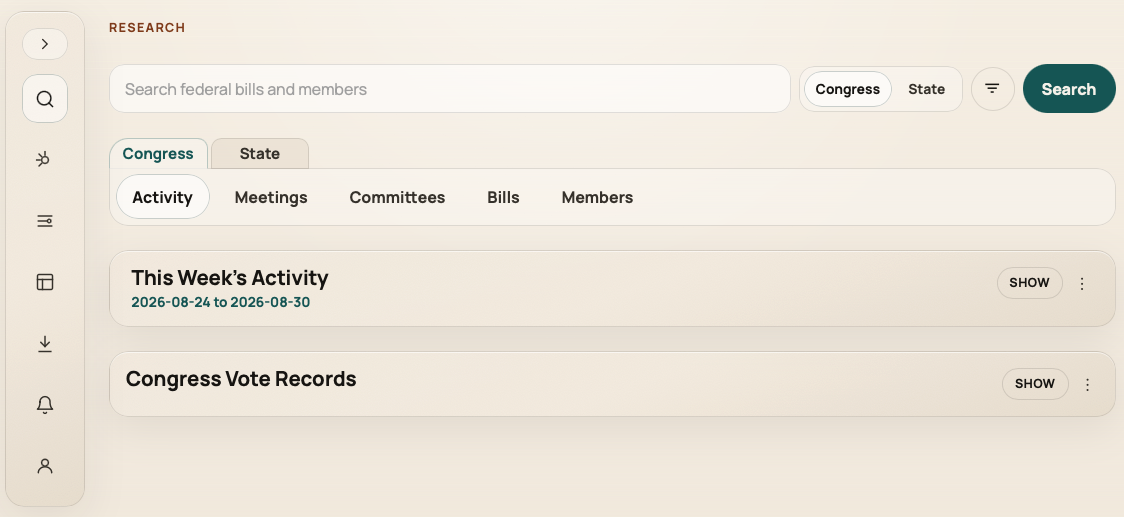
Search bills and members or review activity, votes, committees, and meetings in the Research Center. Open detailed records without stitching together separate sites for every jurisdiction.
Add bills, members, and applicable congressional meetings to account tracking lists so the team returns to the same priorities—not personal bookmarks or one-off spreadsheets.
Choose monitored states within your plan limit and, when entitled, save custom subject filters for Congress or an individual state so issue sweeps start from agreed definitions.
Use capability-aware CSV exports, optional tracked-bill notifications, static bill-preview images, or entitled website embeds when those channels fit your publishing workflow.
Research Center
Switch between federal and state views, investigate bill and member detail pages, and review current-period activity with filters that differ by jurisdiction, without implying coverage your account has not selected.
Congressional meetings and committees are available in the federal experience; state research focuses on bills, members, activity, and votes for the legislatures you monitor.
Clarity for buyers
Prospective teams should see scope up front: monitored states, meeting coverage, and notifications all depend on product rules and account capabilities—not universal automation.
State research and state tracking use the legislatures your account selects in Research Settings, up to your plan's monitored-state limit.
Shared tracking covers bills, members, and congressional meetings. State meeting tracking is not available. Changing shared tracking and settings is role-aware—account and billing administrators manage configuration; members use the shared lists.
Tracked-bill notifications apply to eligible accounts when tracked Congress bills reach qualifying milestones; they are scheduled, not instant, and not every tracked item triggers email. CSV exports, custom subject filters, widgets, and recipient controls depend on entitlements and roles.
Bill-preview images are static PNG exports from Design, not live widgets. Website embeds require widget entitlement and completed setup. Use these outputs when your channel needs visuals or on-site legislative context, not as a substitute for verified research in the console.
When embeds or shareable visuals matter, see website widgets and the Bill Preview Image Generator as part of the broader Console—not standalone tracking products.
This page describes the legislative-tracking problem Neut is built to support. The Customer Console solution page walks through Research Center, Tracking, Research Settings, Design, Exports, and Alerts in detail.