Understand legislation. Track what matters. Put it to work.
The Neut Customer Console brings legislative research, focused tracking, configurable alerts, data
exports, and presentation tools into one connected workspace for Congress and the state legislatures
your account monitors.
Select a stage to see the tools used for discovery, detailed research, tracking, settings, and outputs.
01
Discover
Browse current legislative activity.
Review activity, vote records, meetings, bills, and members, then open the records you need.
Activity
Vote records
Meetings
Bills
Members
Activity
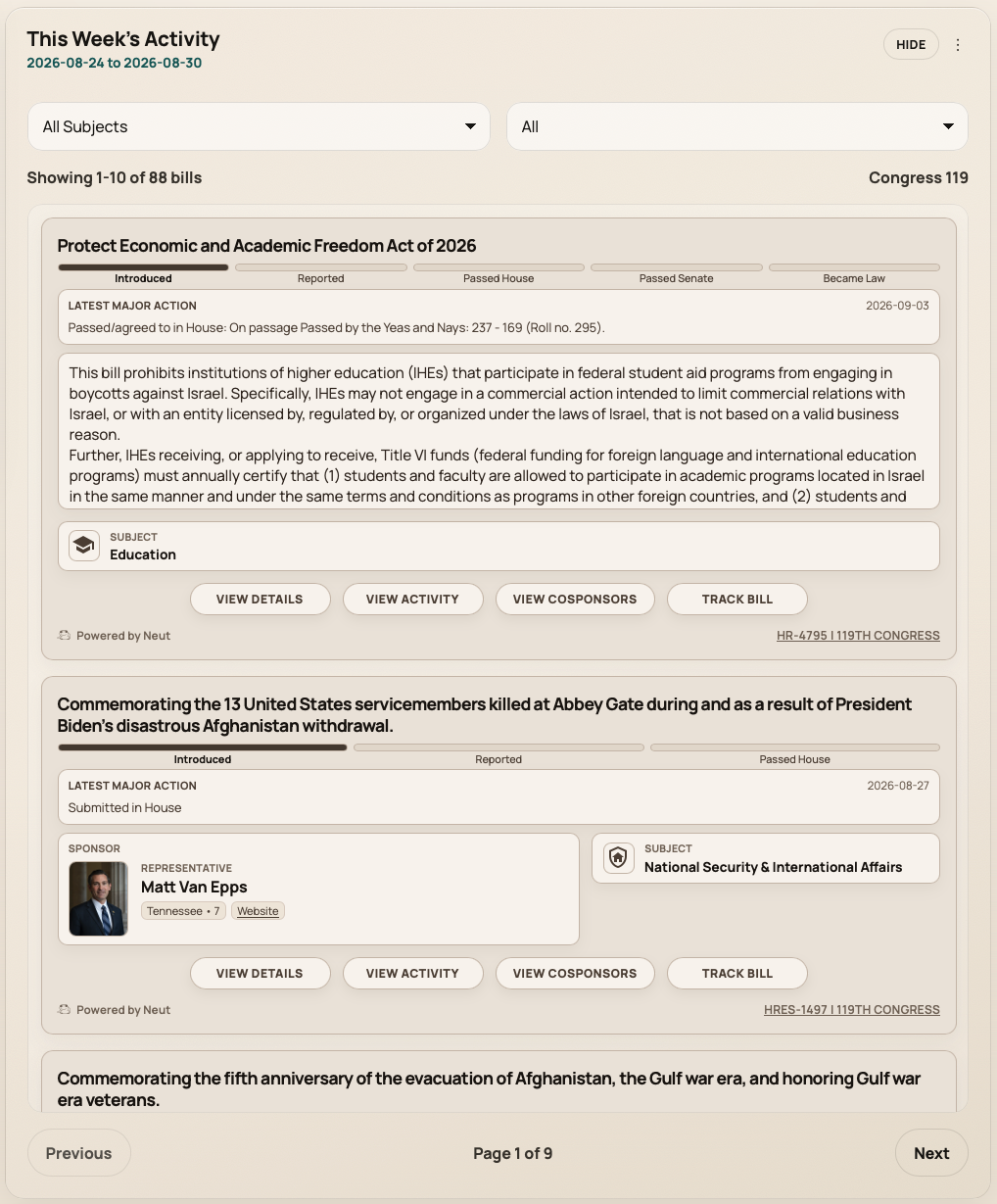
This Week's Activity for the current period
Activity organizes bill movement for the current reporting period. Narrow
legislative activity with subjects, saved filters, and status filters.
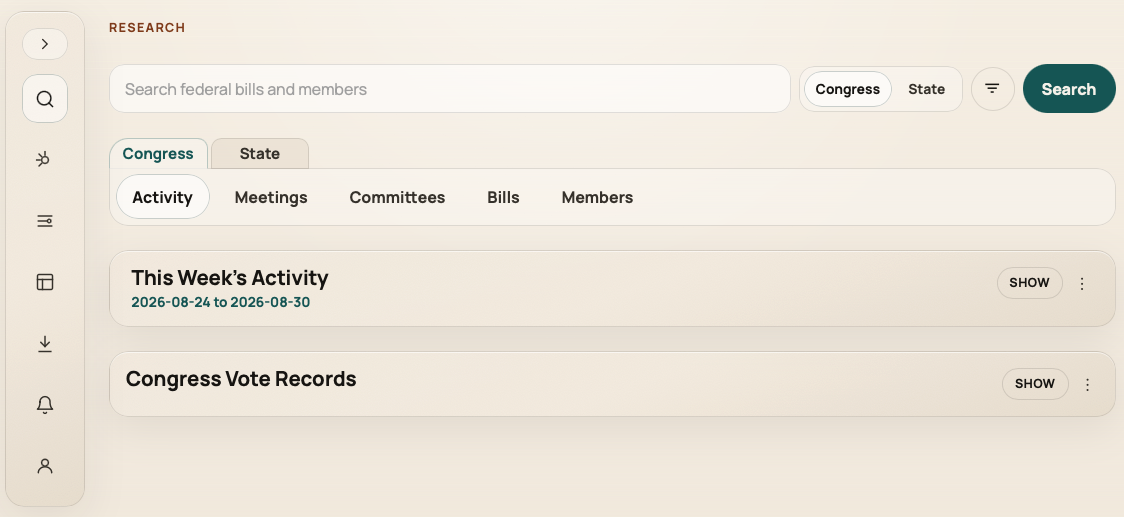
Switch between Congress and state research.
Current-period activity with Congress filters
Vote records
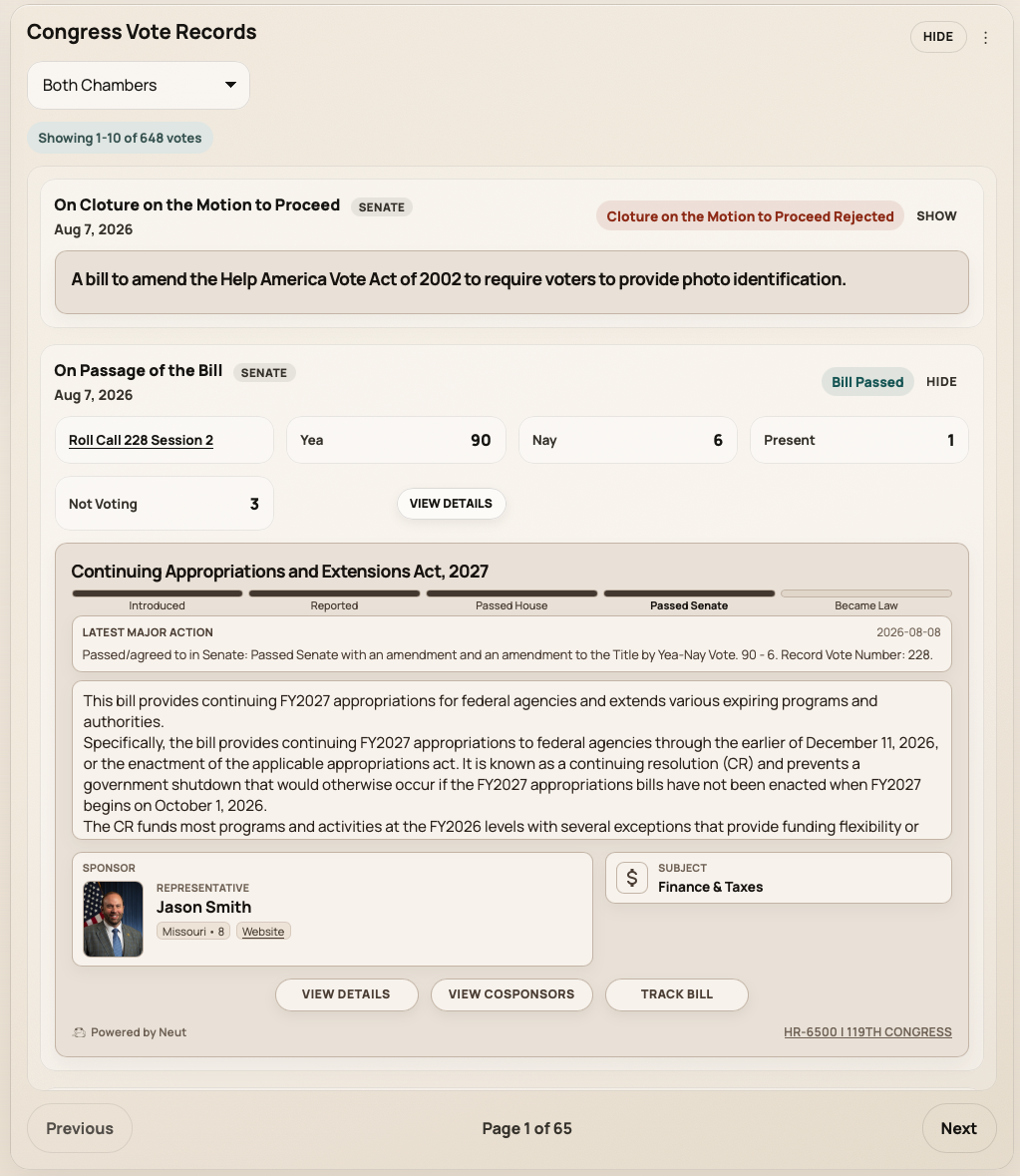
Review roll calls and see their breakdowns
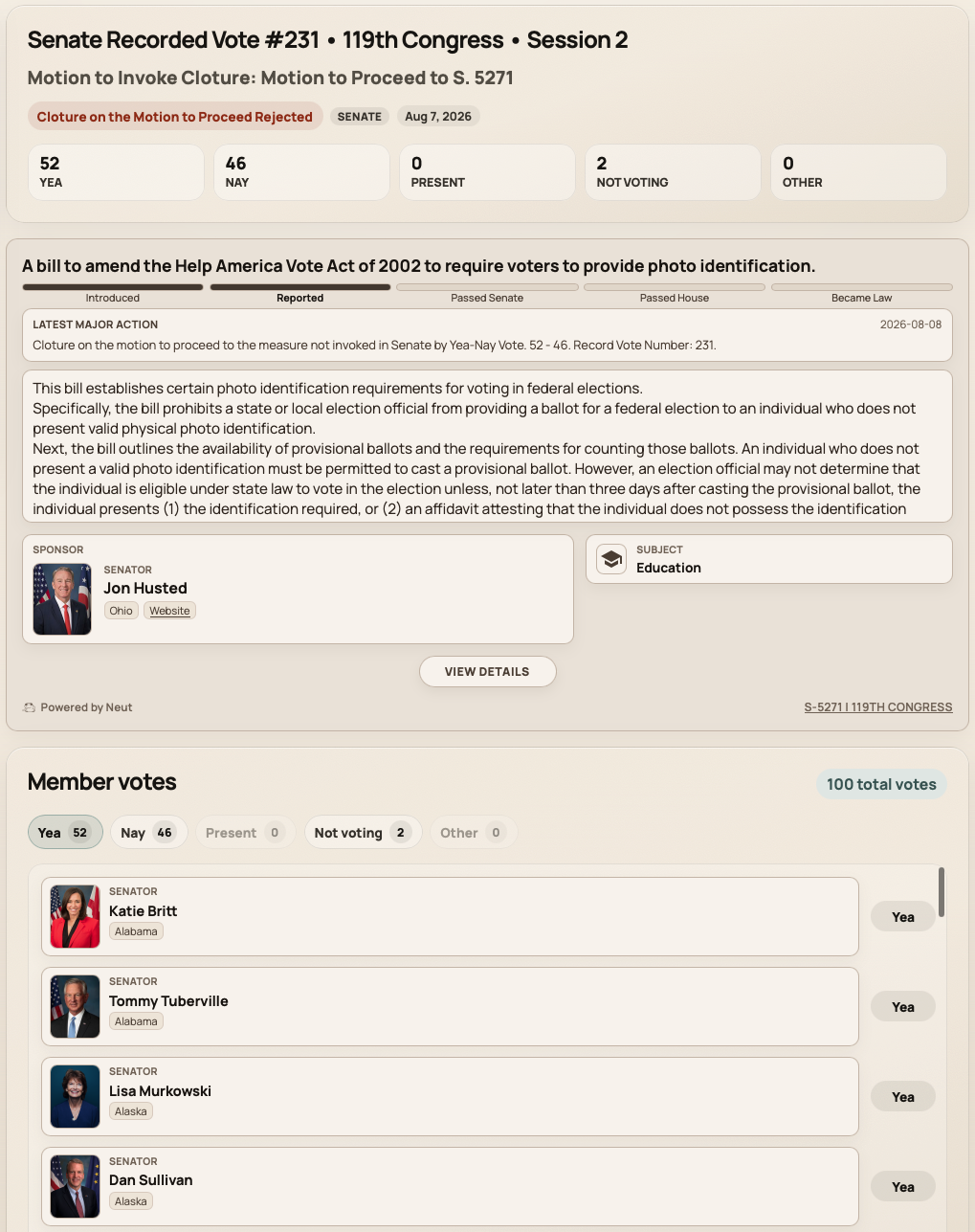
Browse Congress vote records across both chambers or filtered to the House or Senate. Open a record
to review totals and connections back to related bills when available in the source data.
Congress vote records with chamber filtersVote results connected to related bills
Meetings
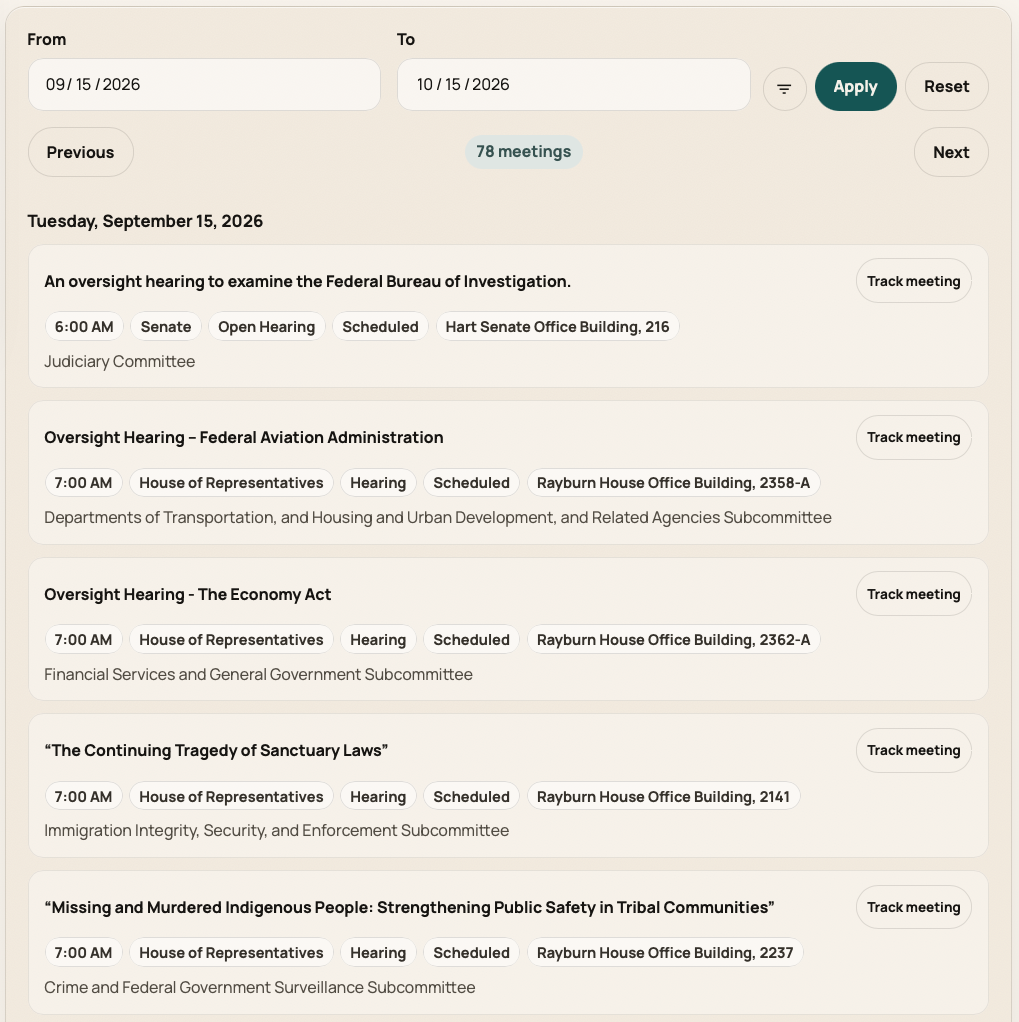
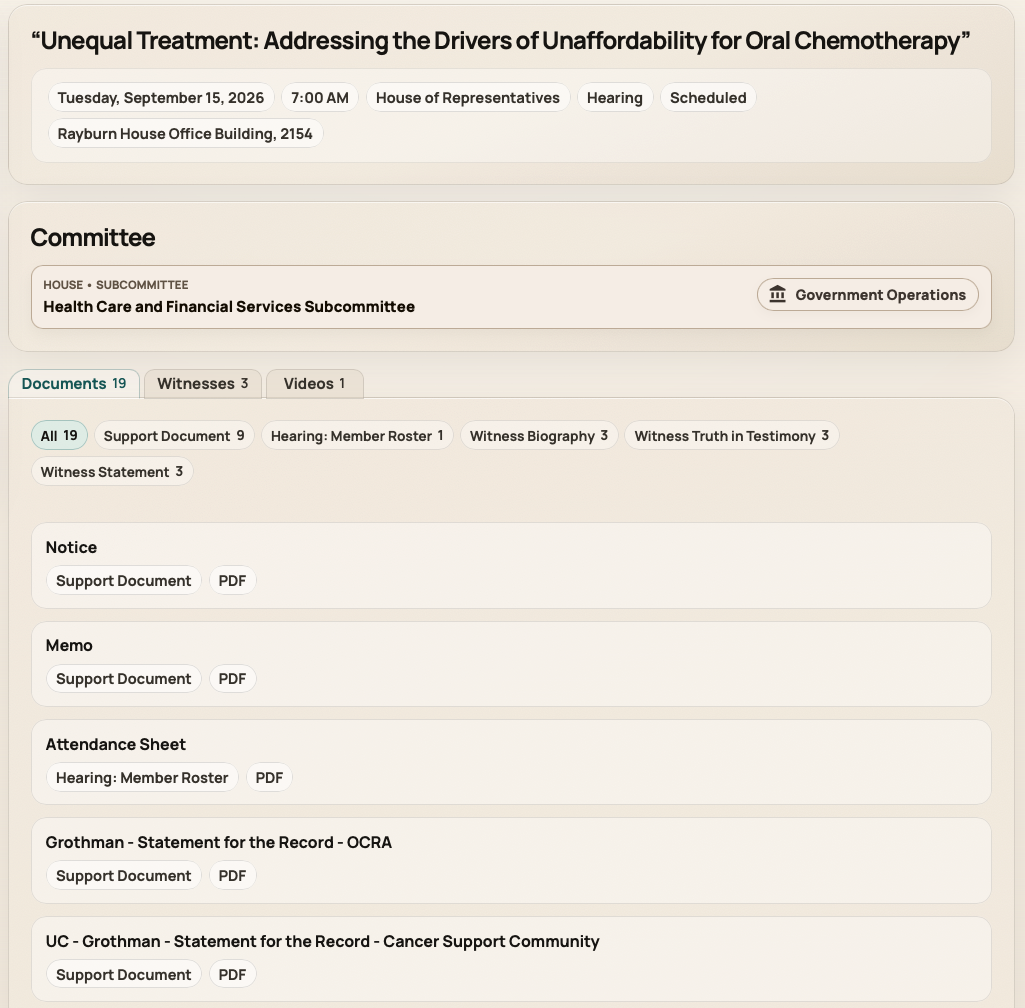
Follow congressional meeting schedule
Congress-only Meetings views help teams review upcoming and past committee meetings and hearings
before opening detail pages for related bills, materials, or video when available.
Upcoming and past committee meetings
Bills
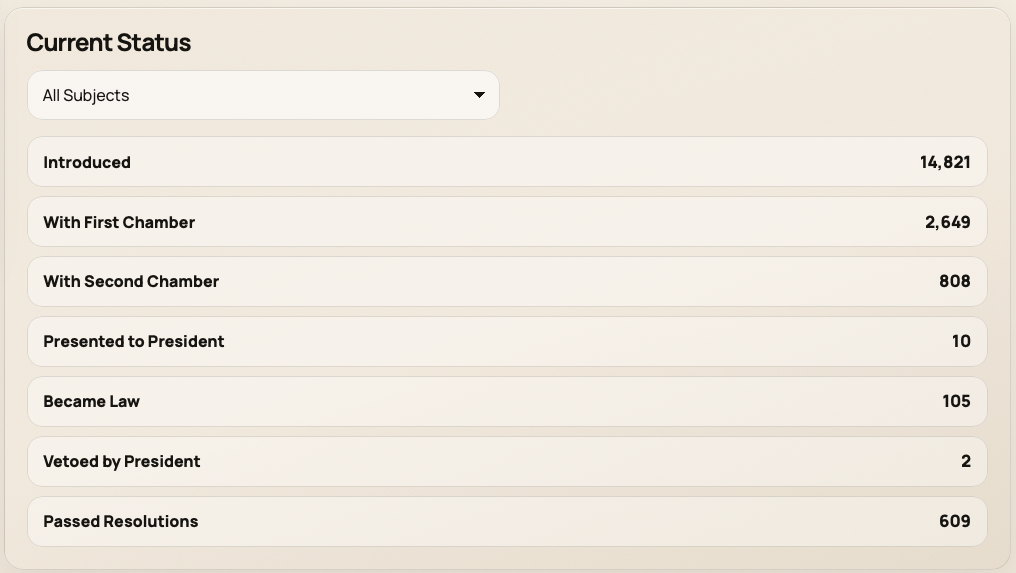
Browse current legislation by status and subject
The Bills area groups current legislation by status stage and subject for Congress and
states. Open a bill when you need summary, sponsors, or actions on the detail page.
Current Congress bills by status and subject
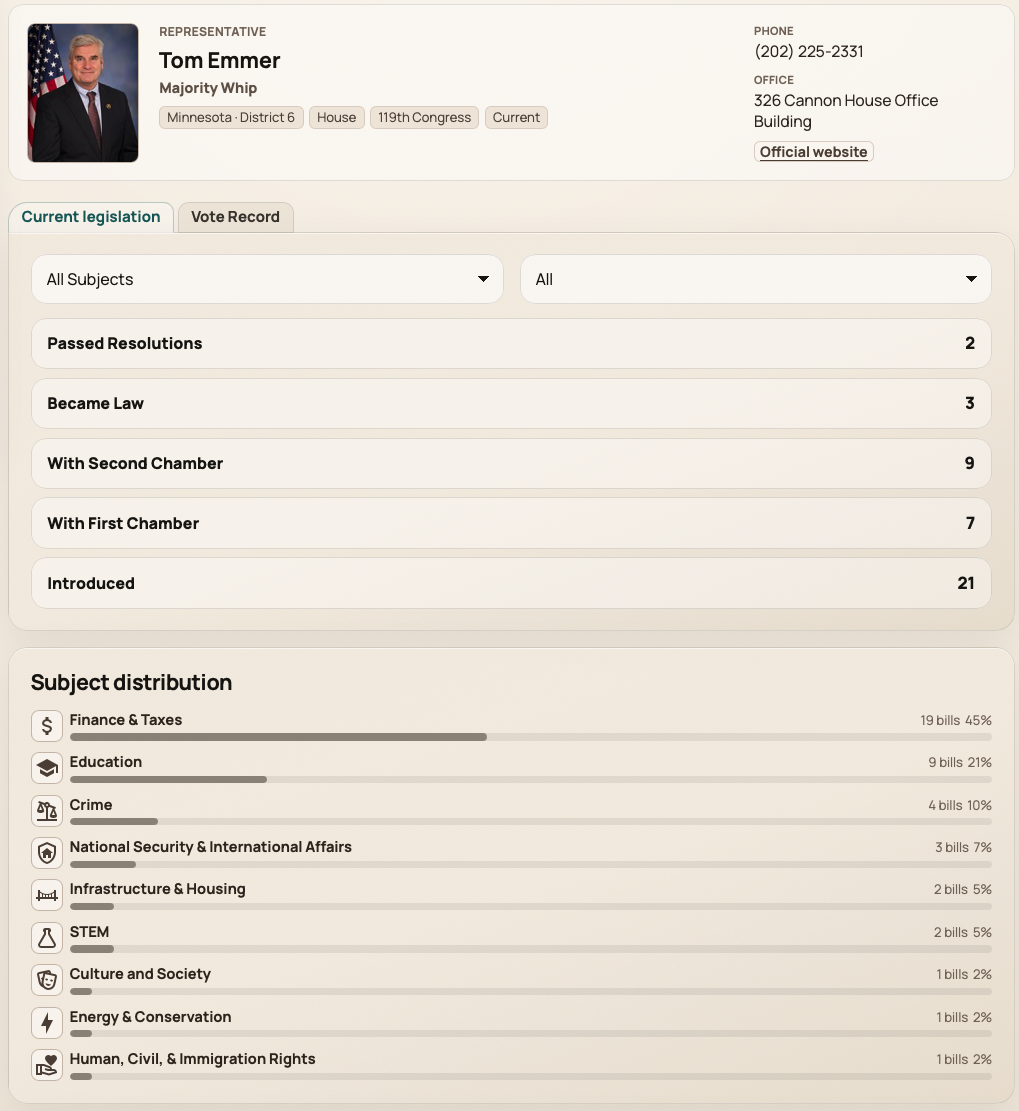
Members
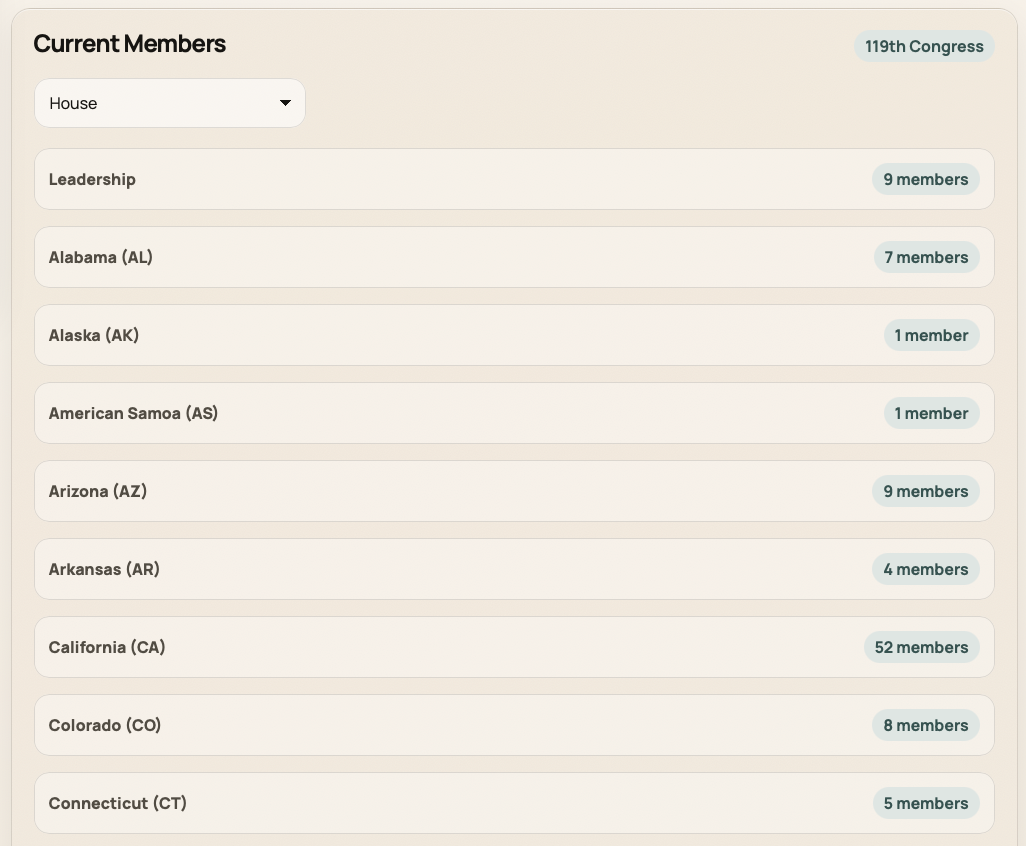
Find legislators in current directories
Member directories connect current Congress legislators and state legislators with the
records you can open for sponsored legislation and available vote history.
Current Congress member directories
02
Investigate
View details for the records you are researching.
Open bills, members, committees, and meetings to review the information available for each record.
Bill detail
Member detail
Committee detail
Meeting detail
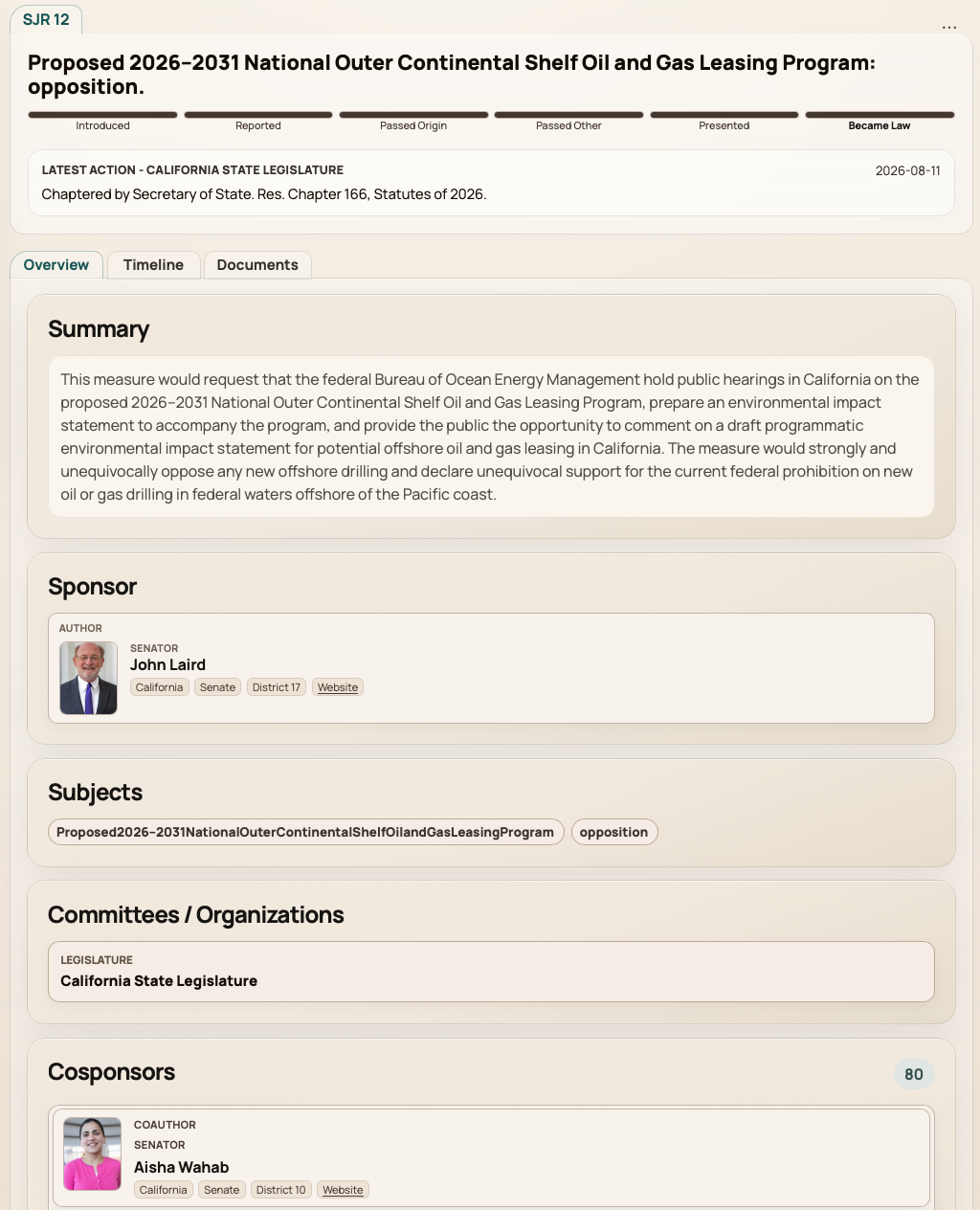
Bill detail
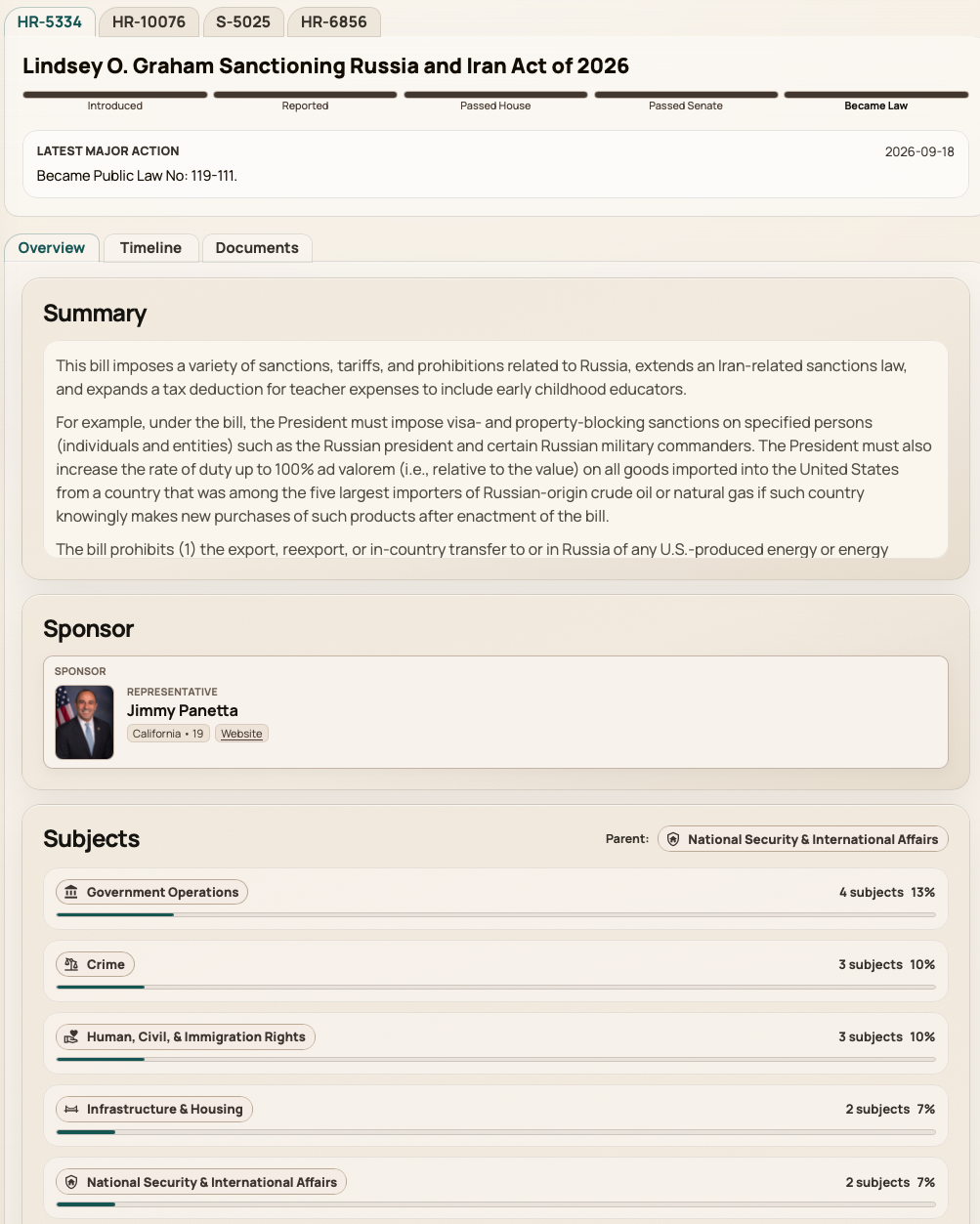
Congress and state bill pages in one workflow
Bill detail pages can bring together summary, sponsors, committees, actions, documents, and related
information when available. Fields and sections vary by bill and jurisdiction; state research uses
the legislatures your account monitors.
Congress bill detail with connected contextState bill details
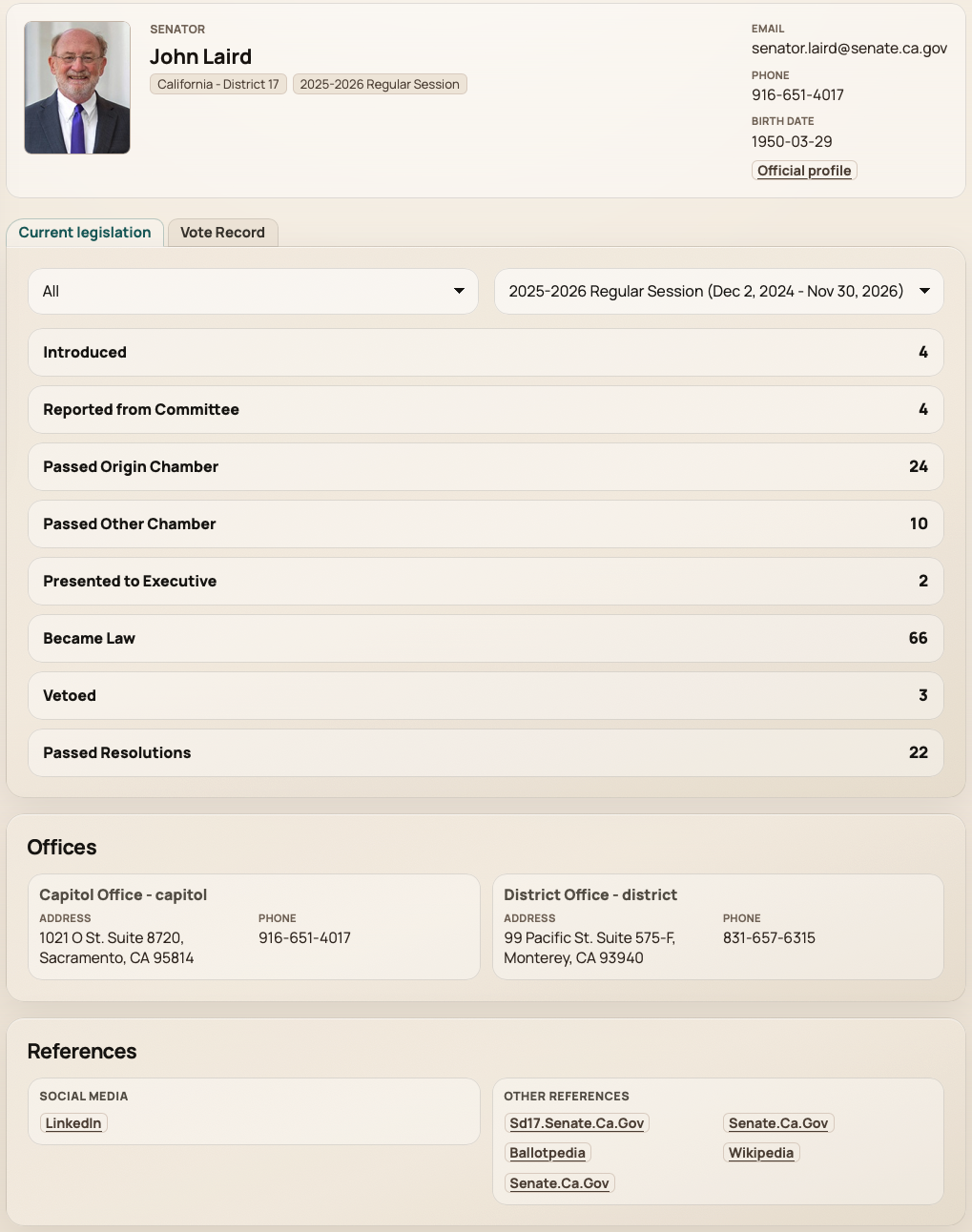
Member detail
Connect legislators with their legislative context
Member detail pages link legislators with sponsored or cosponsored legislation and available vote
history. The precise information available differs by member type and jurisdiction.
Congress member profiles with legislative contextState member research
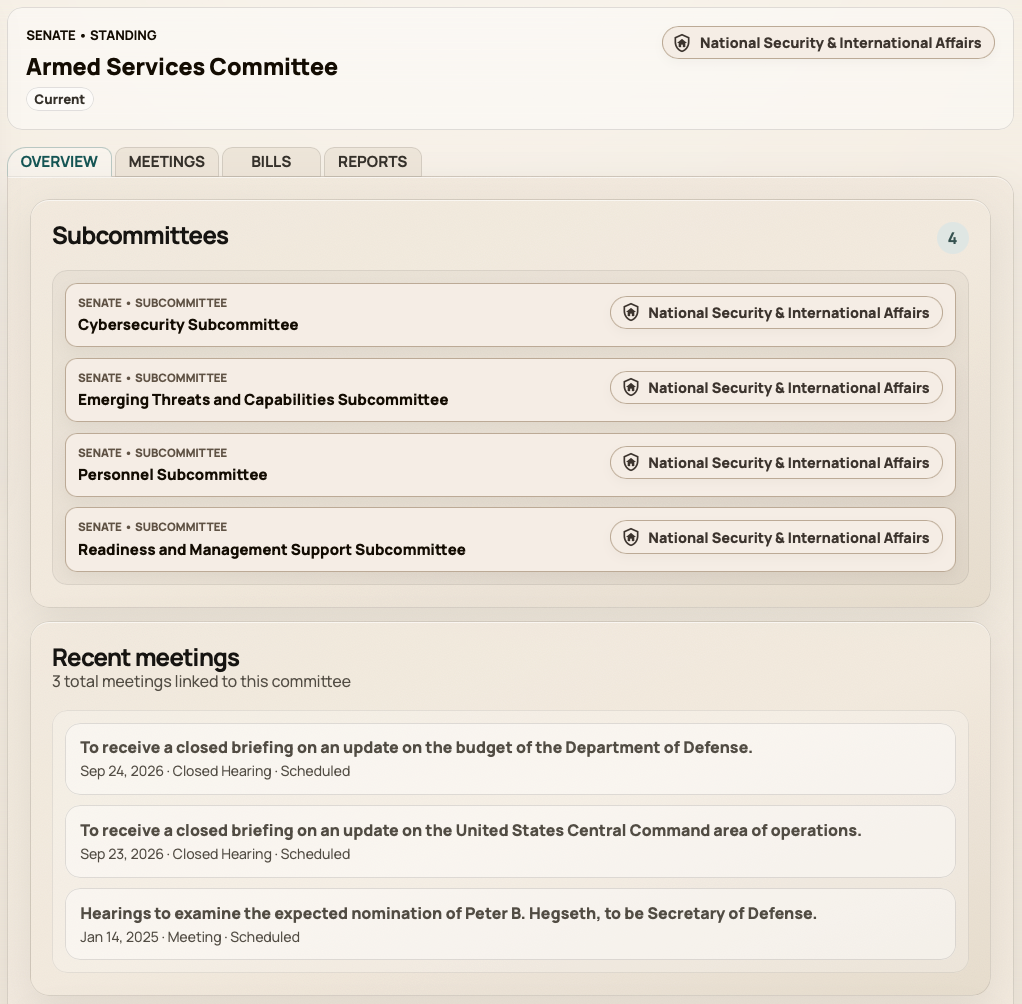
Committees and meetings
Congress-only detail for committees and meetings
Committee pages connect committee information with recent meetings, bills, and reports when
available. Meeting details may include committees, related bills, nominations, treaties, videos, and
supporting materials.
Committee pages with connected recordsMeeting detail with related legislative context
03
Track
Manage shared lists of priority records.
Track bills, congressional meetings, and members in a reusable shared workspace.
Tracked bills
Congressional meetings
Members
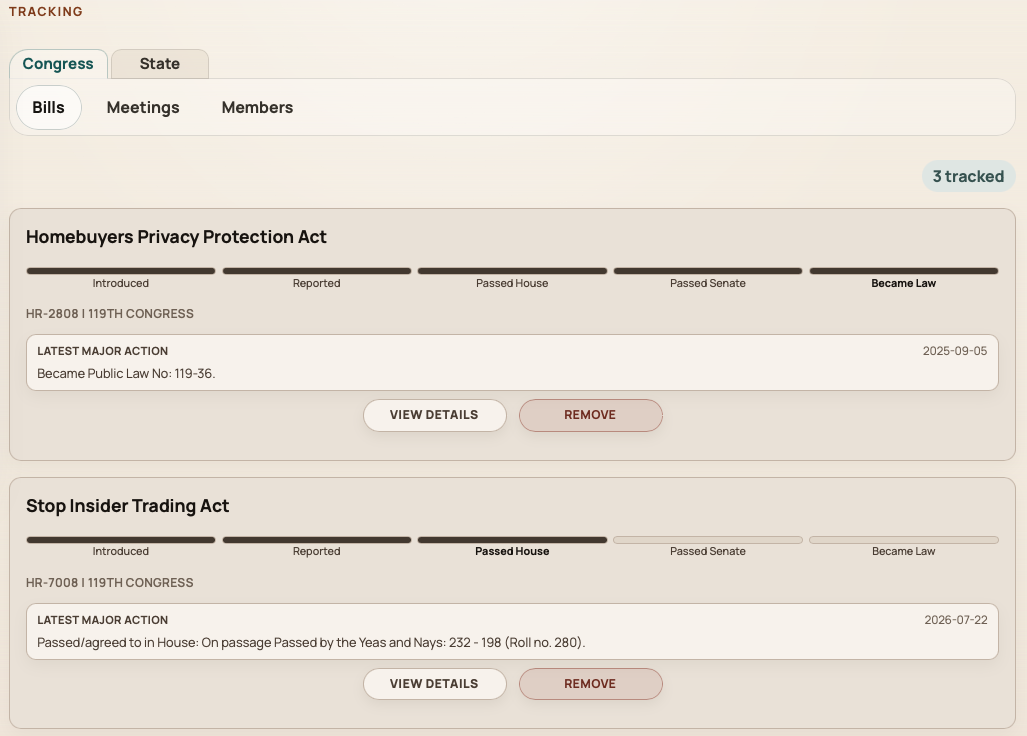
Tracking
Return to shared lists of bills, meetings, and members
Tracking gives your account a reusable working set across bills, congressional meetings, and
members. Meetings tracking is Congress-only. Open tracked items from a dedicated workspace when
you need to continue research—without implying automatic alerts for every saved item. Shared
tracking changes are role-aware.
Shared tracking lists for continuing research
04
Focus
Configure the settings used for recurring research.
Choose the state legislatures your account monitors and create reusable subject groupings when available for your account.
Monitored states
Custom subject filters
Shared settings
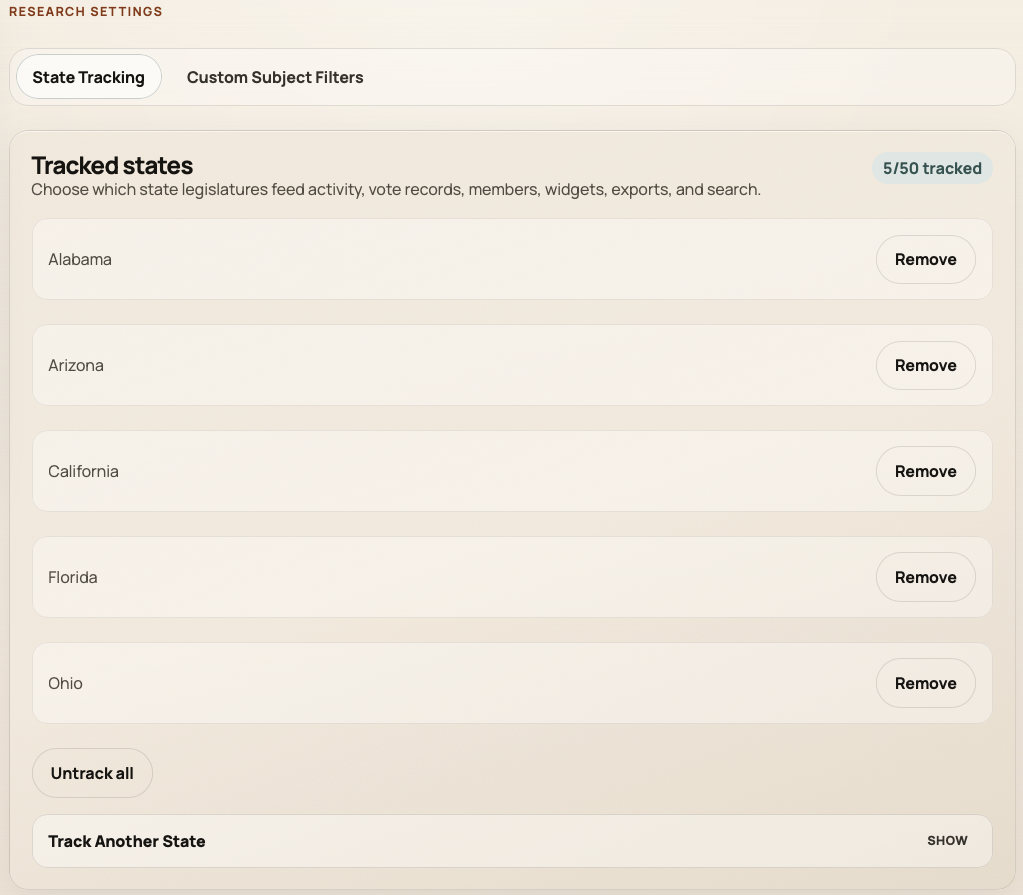
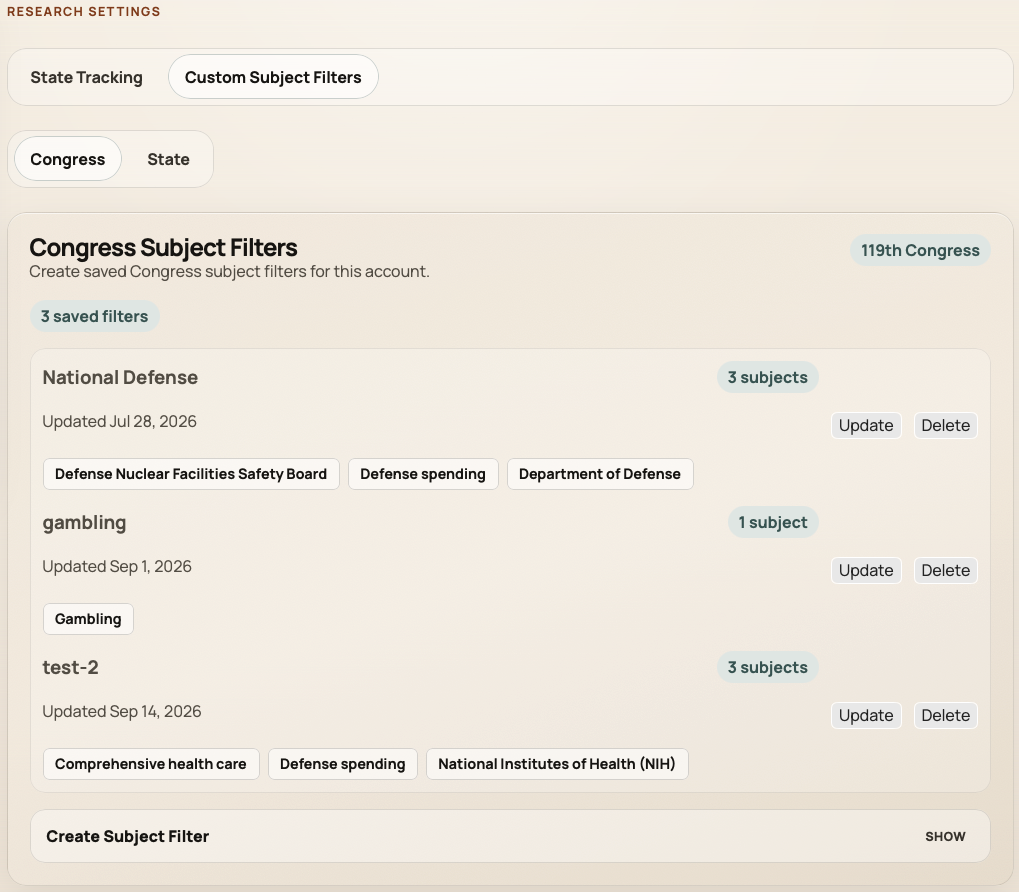
Research Settings
Choose monitored states and saved subject filters
Monitored states define which legislatures power state research workflows nationwide, centered on
the states your account currently monitors. Custom Subject Filters create reusable issue groupings
for Congress or an individual state when your account includes that capability. Authorized account
administrators can manage shared configuration; entitlements and roles apply.
Monitored states for state researchSaved subject filters for recurring issues
05
Put it to work
Create outputs for the work you need to share.
Use the available tools for static bill images, authenticated embeds, supported exports, and notifications.
Design
Exports
Alerts
Design
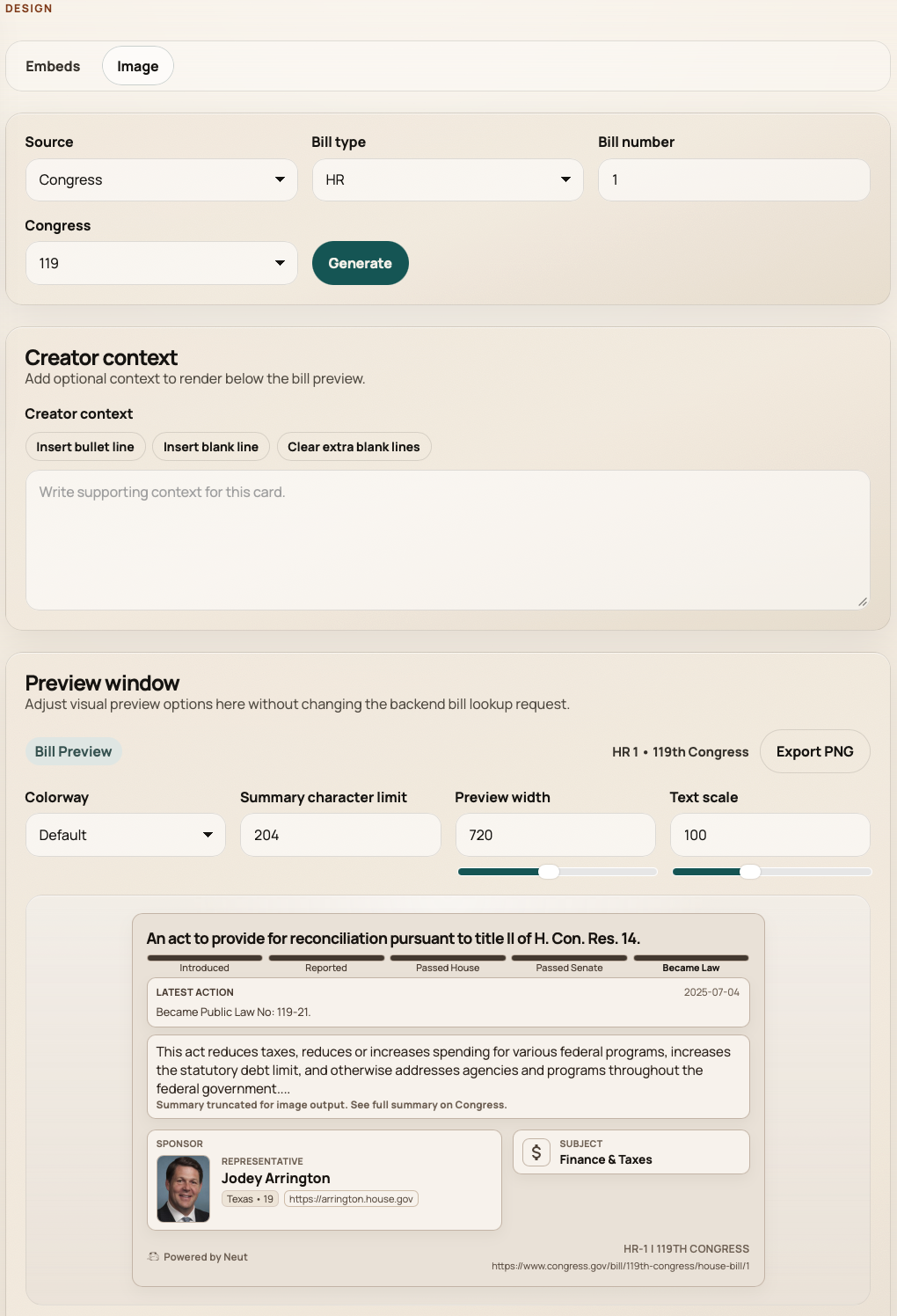
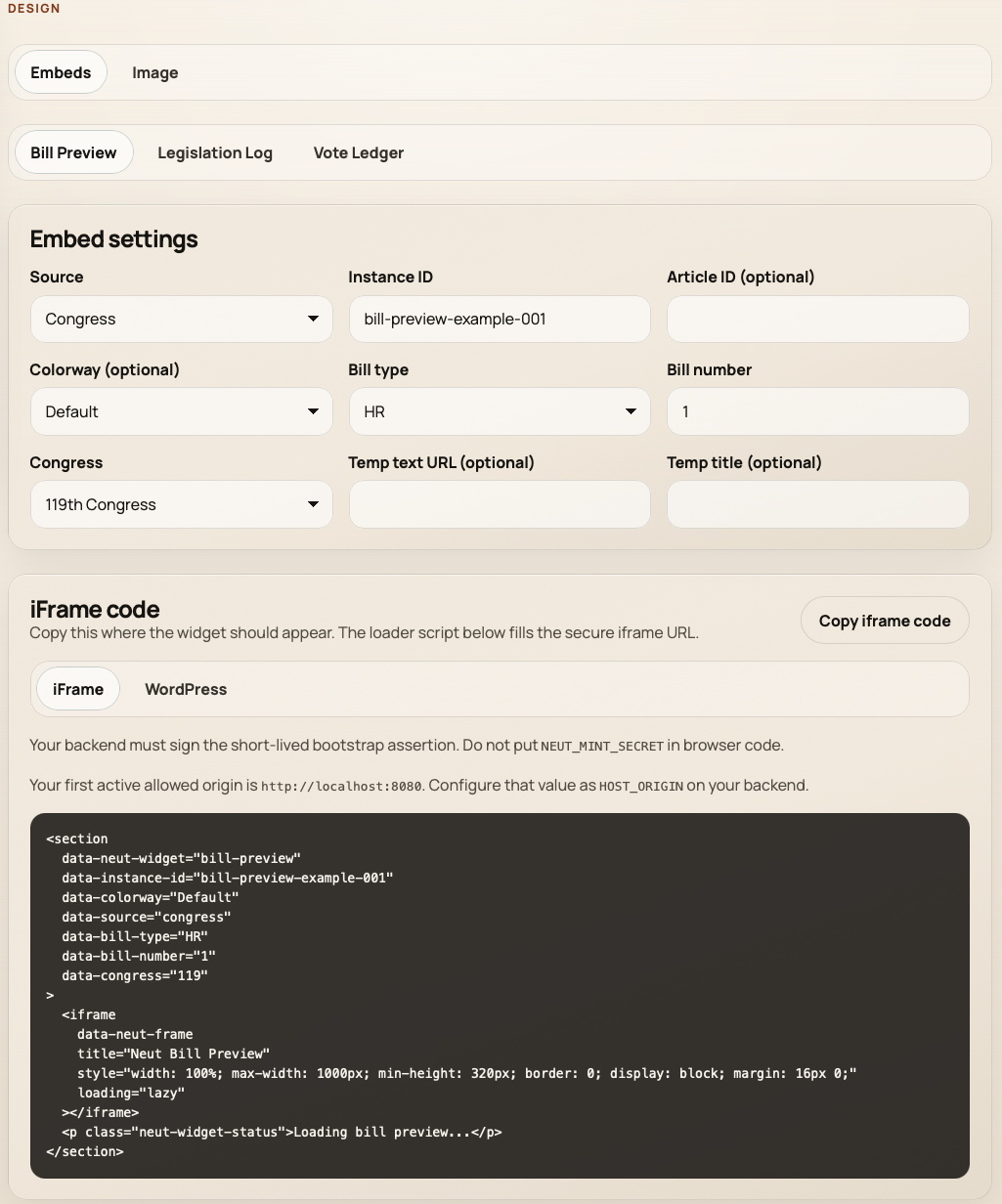
Static bill images and authenticated website embeds
The Design workspace supports downloadable transparent PNG bill previews and, for accounts with
widget access, Bill Preview, Legislation Log, and Vote Ledger embeds. Copy iFrame or WordPress output
after widget setup registers allowed origins and access keys. A bill-preview image is a static
export—not a live widget.
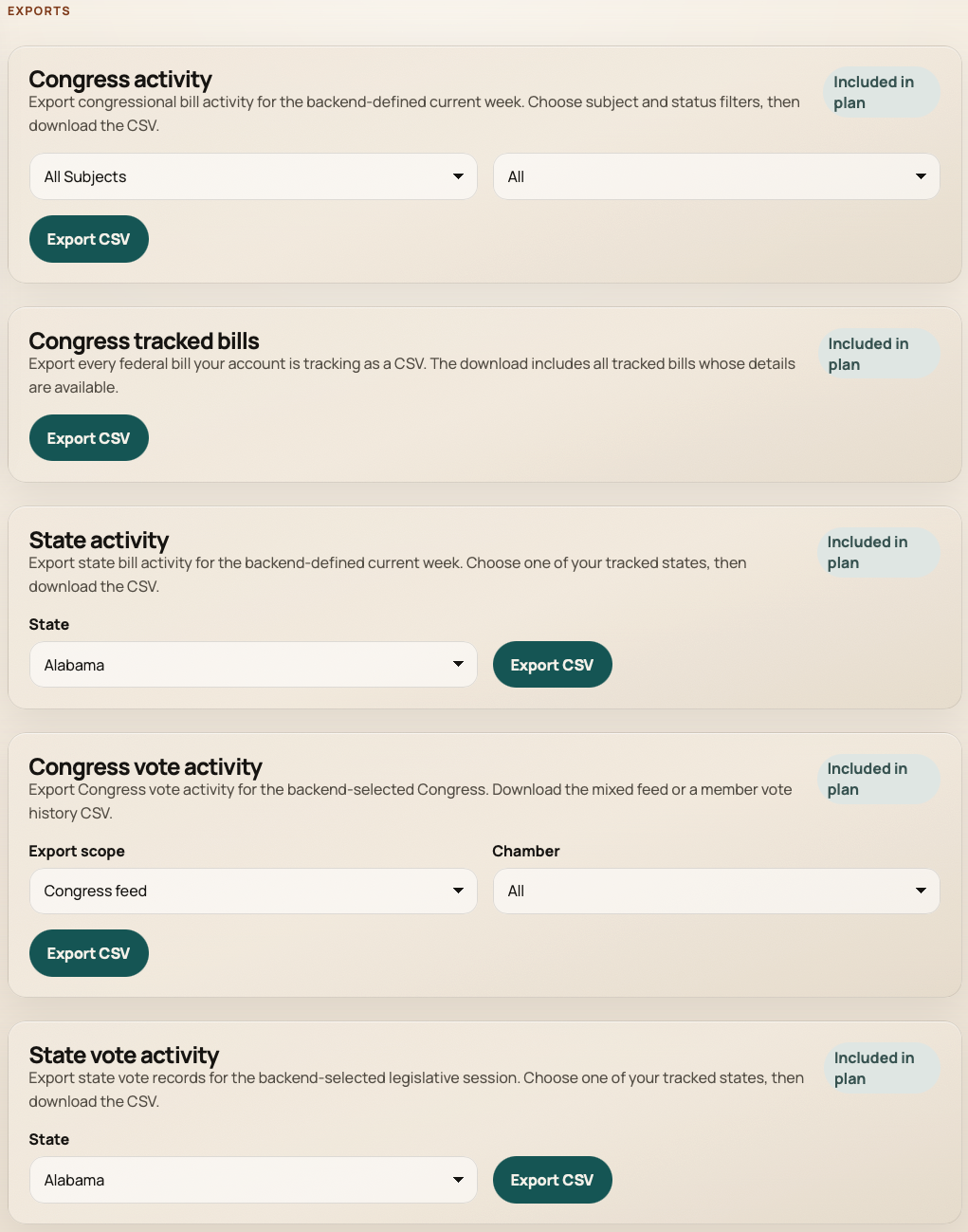
CSV exports, when available for your account, include supported Congress and state activity, vote,
and tracked-bill datasets. Export access and limits are plan- and capability-aware.
User-initiated CSV exports for supported datasets
Alerts
Configure notifications your account supports
Notification settings can include tracked-bill alerts for qualifying Congress bill milestones, the
weekly Neut Digest, and Console Updates—each subject to account capability, role, and availability.
Capability-aware alerts
Alerts are managed in the console alongside delivery preferences and organization notification
controls. Individual notification types, recipient permissions, and tracked-bill alert eligibility
depend on your account—not every tracked item triggers an automatic alert.
Customer Console access
Choose individual Creator access for research, exports, alerts, and static bill visuals, or pair
authenticated website widgets with the broader console when your organization needs public embeds.
 Neut
Neut